Gable, a project management system for a residential home builder
Tracks each job from the first lead through land, plans, permitting and nine construction stages, with a phone view for posting updates from the site.
- Industry
- Residential construction, two companies
- Completed
- July 2026
- Built for
- The owner and the project managers
- Data
- Jobs, leads, land parcels, house plans, permit requirements per jurisdiction
- Stack
- Web app with a phone view, maps on Leaflet
- Role
- Designed and built by our founder, Hunter Warner
The problem
Jobs lived in spreadsheets and group texts. Updates from the site arrived by text message, permits sat in six jurisdiction portals with their own forms and logins, and nobody could tell which jobs had gone quiet.
The builder runs two companies, so every list had to answer for one of them or both at once.
What we built
One record per job, from lead to closeout, shared by the office and the phone. A switch at the top of every screen scopes it to one company or both.
Dashboard, map and board
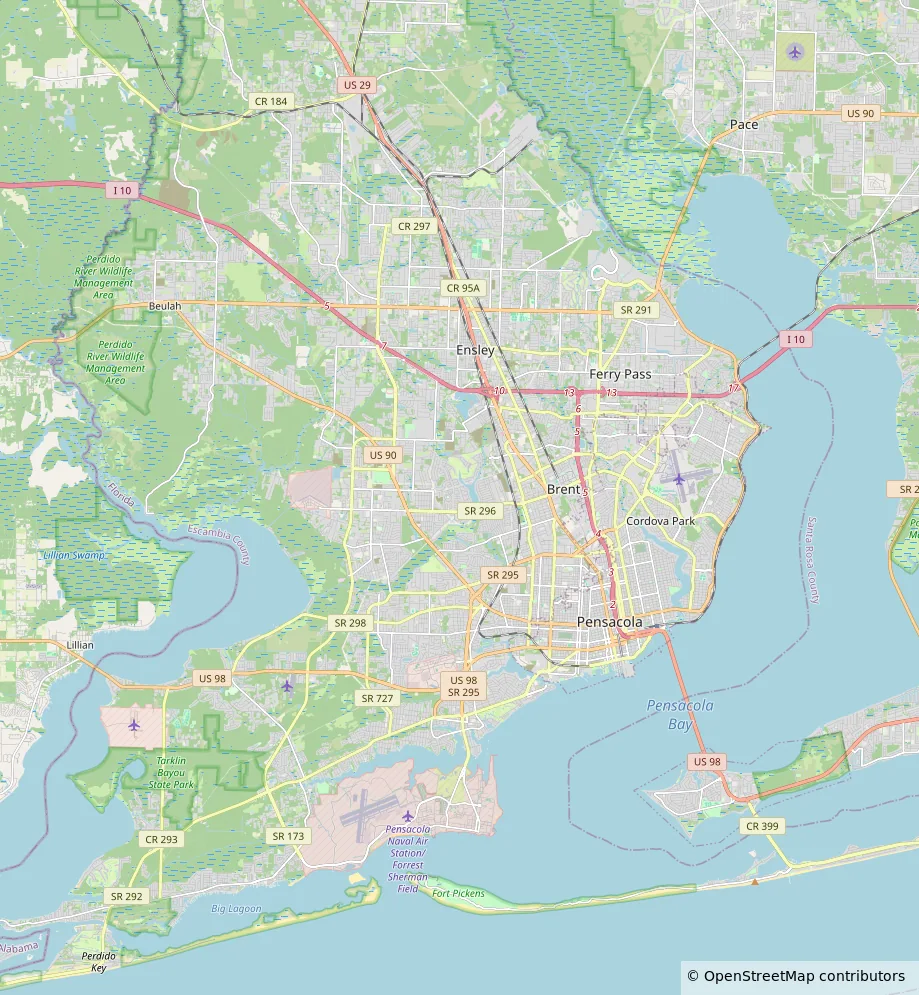
The owner's morning view: active jobs, jobs in permitting, permits pending, and jobs with no update in seven days. Every job pinned on a map by stage. A board grouped by stage where a job drags to its next one.
Permitting
A page per jurisdiction with its permit process as an editable checklist of forms and steps, its portal logins with masked passwords, and the builder licenses. Each job gets a permit package generated from that checklist, with progress and a download.
Leads, land and plans
A lead pipeline with a seven-day follow-up clock. Land parcels with acreage, assessed value and a pin on the map. House plans with takeoff quantities and the jobs built on each one.
Field app
A phone view for project managers: their jobs sorted stale first, the three closest jobs to where they stand, permits with what is missing, and an update composer with photos and a stage change.
A read-only meeting view groups early-stage jobs by stage and later ones by project manager, for the weekly meeting. Project managers see no financials.
What the dashboard shows
- Active projects
- 14
- Past permitting
- In permitting
- 5
- 4 jurisdictions
- Permit pending
- 3
- Stale, no update in 7 days
- 2
| Sales hot list | 3 | |
|---|---|---|
| Bullpen | 2 | |
| Permitting | 5 | |
| Site work | 2 | |
| Foundation | 3 | |
| Framing | 4 | |
| MEP rough-in | 2 | |
| Punch list | 1 | |
| Closeout | 2 |
What the map shows
- Permitting2
- Foundation1
- Framing2
- Closeout1
How the data moves
Updates and photos posted from the phone, leads, land parcels, house plans, and each jurisdiction's permit checklist
One job from lead to closeout, with every update in one log and every permit item ticked as its form is attached
Dashboard, map, board, permitting, leads, land, plans and the weekly meeting view
A job with no update in seven days turns stale; permit progress counts only required and conditional items
The result
- Every project and its permit status in one place, for both companies, from lead to closeout.
- Updates post from the phone in a minute, and reminders surface jobs with no update, permits waiting on a jurisdiction and leads past their follow-up date.
- Accountability on the steps that used to stall: every job shows its owner, its stage and how long since anyone touched it.
- A working prototype with every screen, a settled design system and a build specification, completed July 2026.
Stack
A web app with a phone view, built as a working prototype with every screen and interaction. Maps on Leaflet with CARTO basemaps and aerial imagery. Dark and light themes, two densities. The handoff names a React and PostgreSQL build behind a login, with photo uploads to object storage.
Next project: Labor and inventory reporting platform for a bespoke automotive manufacturer